
Hello again. In the previous lesson, you created an isolated Python environment and verified that PyTorch can run a real tensor operation on your NVIDIA GPU. Keep using that same activated .venv and project directory. This lesson moves from environment setup to the language constructs that will appear in nearly every later data pipeline and training loop.
Python’s control flow will look familiar from C# and other languages, but its syntax and conventions are deliberately different: indentation defines blocks, for iterates over values rather than being primarily an index counter, and type hints describe intended interfaces without changing Python’s runtime behavior.
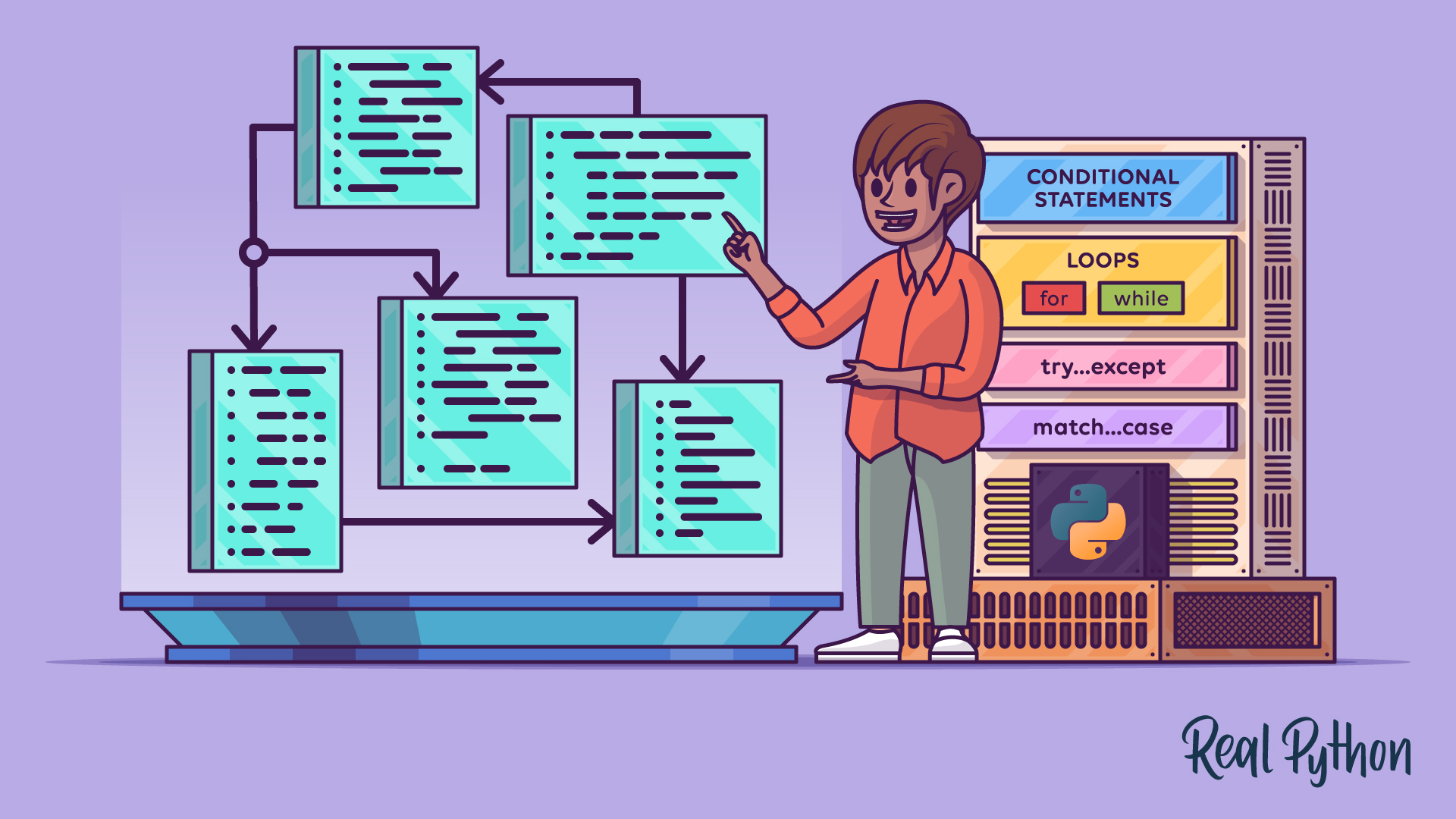
By the end of the lesson, you will be able to write a small, typed Python data-processing routine using conditions, loops, functions, defaults, and clear return values.
1. Python blocks, conditions, and Boolean logic
In C# or TypeScript, braces delimit a block:
if (isReady)
{
    Start();
}
In Python, the colon begins a block and indentation defines its extent:
if is_ready:
    start()
The convention is four spaces per indentation level. Do not use braces, and do not mix tabs with spaces. This is not merely formatting: incorrect indentation changes program meaning or raises an error.
A condition is any expression that evaluates to True or False. The familiar comparison operators work as expected:
| Purpose | Python |
|---|---|
| Equal values | == |
| Different values | != |
| Greater or less than | >, <, >=, <= |
| Combine requirements | and |
| Accept either condition | or |
| Negate a Boolean condition | not |
For example, a text record may be acceptable only if it is non-empty and below a specified size:
text = "A short training example"
max_chars = 200

if text and len(text) <= max_chars:
    print("Accept this example")
else:
    print("Reject this example")
text is a string. In a Boolean context, an empty string is falsey and a non-empty string is truthy. Therefore, if text: is the idiomatic check for “does this string contain anything?”
Python considers the following common values falsey:
FalseNone- numeric zero, such as
0or0.0 - empty strings:
"" - empty collections, such as
[]and{}
Everything else is normally truthy. This makes Python concise, but precision still matters. If a function can return either a meaningful value or None, write is None explicitly:
result = None

if result is None:
    print("No result was produced")
Use == to compare values. Reserve is for identity checks, particularly value is None. Two separately created lists can have equal contents while still being different objects, so first == second and first is second answer different questions.
Python Tutorial for Beginners 6: Conditionals and Booleans - If, Else, and Elif Statements
Watch Corey Schafer’s “Python Tutorial for Beginners 6: Conditionals and Booleans.” It gives a compact visual walkthrough of Python’s indentation-based branching and Boolean operators.
Watch basic conditions for the if syntax and comparison operators. Then watch branch chains to see how else and elif select one alternative. Finish with Boolean logic for and, or, not, and the distinction between equality and object identity. In your own code, use the identity discussion chiefly to reinforce the idiom value is None.
Branching with if, elif, and else
An if chain selects the first branch whose condition is true:
token_count = 1_200

if token_count <= 0:
    label = "invalid"
elif token_count < 512:
    label = "short"
elif token_count <= 4_096:
    label = "usable"
else:
    label = "long"

print(label)
Only one branch runs. Once Python finds a true condition, it skips the remaining elif and else branches.
Python has match for structural pattern matching in modern versions, but if and elif are the correct default for ranges, compound conditions, and ordinary validation rules. We will use them frequently in preprocessing and model training.
One additional practical point: and and or evaluate from left to right and stop as soon as the overall result is known. This is called short-circuit evaluation. It lets you safely write:
if text is not None and len(text) > 0:
    print("Text is present")
If text is None, Python never attempts len(text), avoiding an error.
2. Iteration: for, while, break, and continue
Most AI code processes batches, tokens, files, examples, or parameter collections. Python’s for loop is designed around this pattern:
losses = [1.9, 1.2, 0.8]

for loss in losses:
    print(loss)
Rather than manually managing an index, Python assigns each item from an iterable to loss in turn. This is closest to C#’s foreach:
foreach (var loss in losses)
{
    Console.WriteLine(loss);
}
When you truly need a numeric counter, use range(). Its stop value is exclusive:
for epoch in range(3):
    print(f"Training epoch {epoch}")
This prints 0, 1, and 2. The exclusive upper boundary matches common index conventions and makes range(len(items)) possible, although direct iteration is usually clearer when you only need the items.
When both position and item matter, use enumerate():
examples = ["first", "second", "third"]

for index, example in enumerate(examples, start=1):
    print(f"{index}: {example}")
The keyword argument start=1 makes the displayed numbering human-friendly without changing the sequence itself.
A while loop is appropriate when the number of iterations is not already represented by a collection. Its condition must eventually become false, or the loop needs another deliberate exit:
attempt = 0
max_attempts = 3

while attempt < max_attempts:
    attempt += 1
    print(f"Attempt {attempt}")
The most useful loop-control statements are:
break: exits the nearest enclosing loop immediately.continue: skips the rest of the current iteration and begins the next one.
raw_texts = ["useful example", "   ", "STOP", "unreached text"]

for raw_text in raw_texts:
    cleaned = raw_text.strip()

    if not cleaned:
        continue

    if cleaned == "STOP":
        break

    print(cleaned)
Here, whitespace-only entries are skipped, and "STOP" ends the loop. continue is particularly valuable in preprocessing because it avoids deeply nested if blocks: reject an invalid item early, then let the main processing path remain at the outer indentation level.
Be selective with while True. It is sometimes correct for polling or retry loops, but it must contain a well-understood break condition. For the deterministic datasets and training loops you will build, bounded loops and for loops are generally easier to inspect and reproduce.
3. Functions: make behavior reusable and explicit
A function packages a named operation. Its signature contains its name and parameters; when you call it, you supply arguments.
def estimate_word_count(text: str) -> int:
    """Return a simple whitespace-based word count."""
    return len(text.split())
This function has:
def, which begins a function definition;estimate_word_count, the function name;text, a parameter;text: str, a parameter type hint;-> int, a return type hint;- a docstring, which explains the function’s purpose;
return, which ends this execution path and sends a value to the caller.
Calling it is straightforward:
count = estimate_word_count("Models learn from data")
print(count)
A function that reaches its end without a return statement returns None. That is appropriate for functions whose main job is an effect, such as printing or writing to a file. For transformations and calculations, prefer returning a value. Return-oriented functions are easier to compose, test, and reuse in a training pipeline.
4. More Control Flow Tools — Python 3.14.0 documentation
Read the relevant function sections of the official Python tutorial. They establish the conventions you will encounter in library APIs, including defaults, keyword arguments, and annotations.
In Section 4.8, “Defining Functions,” read the explanation and both Fibonacci examples, noting the contrast between printing and returning a computed value. Pay particular attention to the docstring guidance. Next, in Section 4.9.1, “Default Argument Values,” read from default values through the warning about mutable defaults. Then read Sections 4.9.2 and 4.9.3, “Keyword Arguments” and “Special parameters.” Start with the calling-convention overview; focus on why names can make an API clearer. Finally, go to Section 4.9.8, “Function Annotations.” Read the annotation definition and the annotated example. The key point is that annotations document intended types but do not themselves enforce them at runtime.
Positional arguments, keyword arguments, and defaults
Python accepts positional arguments in parameter order:
def truncate_text(text: str, max_chars: int) -> str:
    return text[:max_chars]

shortened = truncate_text("A long example", 6)
The same function can be called with keywords:
shortened = truncate_text(text="A long example", max_chars=6)
Keyword arguments improve readability where several values could be mistaken for one another. Once a keyword argument appears in a call, later arguments must also be keywords.
Defaults make parameters optional:
def normalize_text(text: str, lowercase: bool = True) -> str:
    cleaned = text.strip()

    if lowercase:
        return cleaned.lower()

    return cleaned
Both calls are valid:
normalize_text("  Hello  ")
normalize_text("  Hello  ", lowercase=False)
For a configuration-like parameter where the name matters, make it keyword-only using a bare *:
def load_texts(path: str, *, limit: int = 1_000) -> list[str]:
    """Load up to limit text records from path."""
    ...
The intended call is:
load_texts("data/train.txt", limit=500)
limit cannot be accidentally supplied as an unexplained second positional number. This is a useful design choice for public APIs and internal ML utilities alike.
You may also encounter / in library signatures, marking parameters to its left as positional-only. For now, recognize it when reading APIs; keyword-only parameters are the more immediately useful convention when you design your own functions.
The mutable-default pitfall
Do not use a list or dictionary as a default argument when you expect a new empty object on every function call:
# Incorrect: one list is shared across calls.
def add_tag(tag: str, tags: list[str] = []) -> list[str]:
    tags.append(tag)
    return tags
The default list is created once when Python defines the function, not once per call. The conventional solution is None:
def add_tag(tag: str, tags: list[str] | None = None) -> list[str]:
    if tags is None:
        tags = []

    tags.append(tag)
    return tags
This pattern is common in production Python. It communicates that callers may omit tags, while each omitted call receives a fresh list.
4. Type hints are contracts, not runtime guards
Python is dynamically typed: a variable can refer to objects of different types at different times. Type hints add an explicit, machine-readable statement of your intent.
def add_scores(first: float, second: float) -> float:
    return first + second
The hints say that callers should provide two floating-point values and expect one floating-point result. However, Python does not validate that promise automatically:
add_scores("3", "4")
At runtime, this returns "34" because strings support + as concatenation. The annotations have not changed Python’s behavior. Their value comes from three sources:
- Reader clarity: the function interface states what it expects.
- Editor feedback: modern editors can flag likely errors before execution.
- Static type checking: dedicated tools can analyze code paths and detect inconsistent use.
Use type hints consistently for new functions in this course. A practical starter set is:
| Meaning | Type hint |
|---|---|
| Integer count or index | int |
| Decimal value such as a loss or learning rate | float |
| Text | str |
| True/false result | bool |
| A function intended only for an effect | None |
| Either a string or absence of a value | `str |
| A list whose items are strings | list[str] |
| A mapping from strings to integers | dict[str, int] |
The union form str | None is particularly useful. It tells callers that they must handle the “no valid result” case:
def find_first_nonempty(values: list[str]) -> str | None:
    for value in values:
        cleaned = value.strip()

        if cleaned:
            return cleaned

    return None
A caller should then test the special absence value explicitly:
result = find_first_nonempty([" ", "", " usable text "])

if result is None:
    print("No usable text found")
else:
    print(result)
This is better than relying on truthiness when a distinction matters. For example, 0, False, and "" are falsey but are not None.
5. A small typed preprocessing routine
Create control_flow.py in your llm-pathway project. The following example resembles a tiny first stage of text-data preparation. It does not tokenize text yet; it filters obvious unusable inputs and standardizes accepted entries.
def prepare_training_text(
    text: str,
    *,
    max_chars: int = 60,
    lowercase: bool = False,
) -> str | None:
    """Return cleaned text, or None when the text should be skipped."""
    cleaned = text.strip()

    if not cleaned:
        return None

    if len(cleaned) > max_chars:
        return None

    if lowercase:
        cleaned = cleaned.lower()

    return cleaned


raw_texts = [
    "  Attention begins with clean text.  ",
    "      ",
    "This deliberately long sentence contains enough characters to be filtered by the maximum length rule.",
]

accepted: list[str] = []

for row_number, raw_text in enumerate(raw_texts, start=1):
    prepared = prepare_training_text(
        raw_text,
        max_chars=60,
        lowercase=True,
    )

    if prepared is None:
        print(f"Skipping row {row_number}")
        continue

    accepted.append(prepared)
    print(f"Accepted row {row_number}: {prepared}")

print(f"Accepted {len(accepted)} examples")
Run it from the activated environment:
python control_flow.py
Read the control flow in this order:
- Python calls
prepare_training_text()once for each string. strip()removes leading and trailing whitespace.- An empty result causes an immediate
return None. - A text that exceeds
max_charsalso returnsNone. - Valid text is optionally lowercased and returned.
- The outer loop checks whether the returned value is
None. continueskips rejected rows; accepted text is appended toaccepted.
The use of None is a compact interface contract. The function never returns an empty string to mean rejection; it returns None. Its str | None annotation makes that decision visible at the definition site, and the caller handles both possibilities.
As a short implementation pass, change max_chars, toggle lowercase, and add another raw-text entry. Observe which branch handles each input. The goal is not merely to make the program run, but to be able to explain why every record was accepted or rejected.
You now have the core Python execution patterns needed for practical AI work:
- indentation and Boolean expressions control conditional branches;
forloops process values directly, whilewhileloops repeat until a condition changes;breakexits a loop andcontinueskips one iteration;- functions package behavior through parameters, return values, defaults, and keyword-only options;
- type hints document intended inputs and outputs, while static tooling—not Python itself—checks their consistency.
Next, we will work directly with Python sequences and mappings: slicing text and lists, unpacking values, dictionaries, and comprehensions. Those tools will make the simple list-based processing in this lesson substantially more expressive.
Can't find a good explanation? Sign up and we'll make it for you
Sign up