
Hello! Welcome back to our journey through advanced Laravel.
In our last lesson, you learned how to offload time-consuming but self-contained tasks like sending emails to a background queue. This is a crucial first step in building fast, responsive applications. However, some tasks aren't just slow; they're massive.
Today, we'll tackle that challenge head-on. This lesson addresses the learning outcome: Process large file uploads and data imports using queued jobs. We'll explore strategies for handling files with thousands or even millions of rows without crashing your server due to timeouts or memory limits. This is a common requirement in backend development, and mastering it is key to building robust, scalable systems.
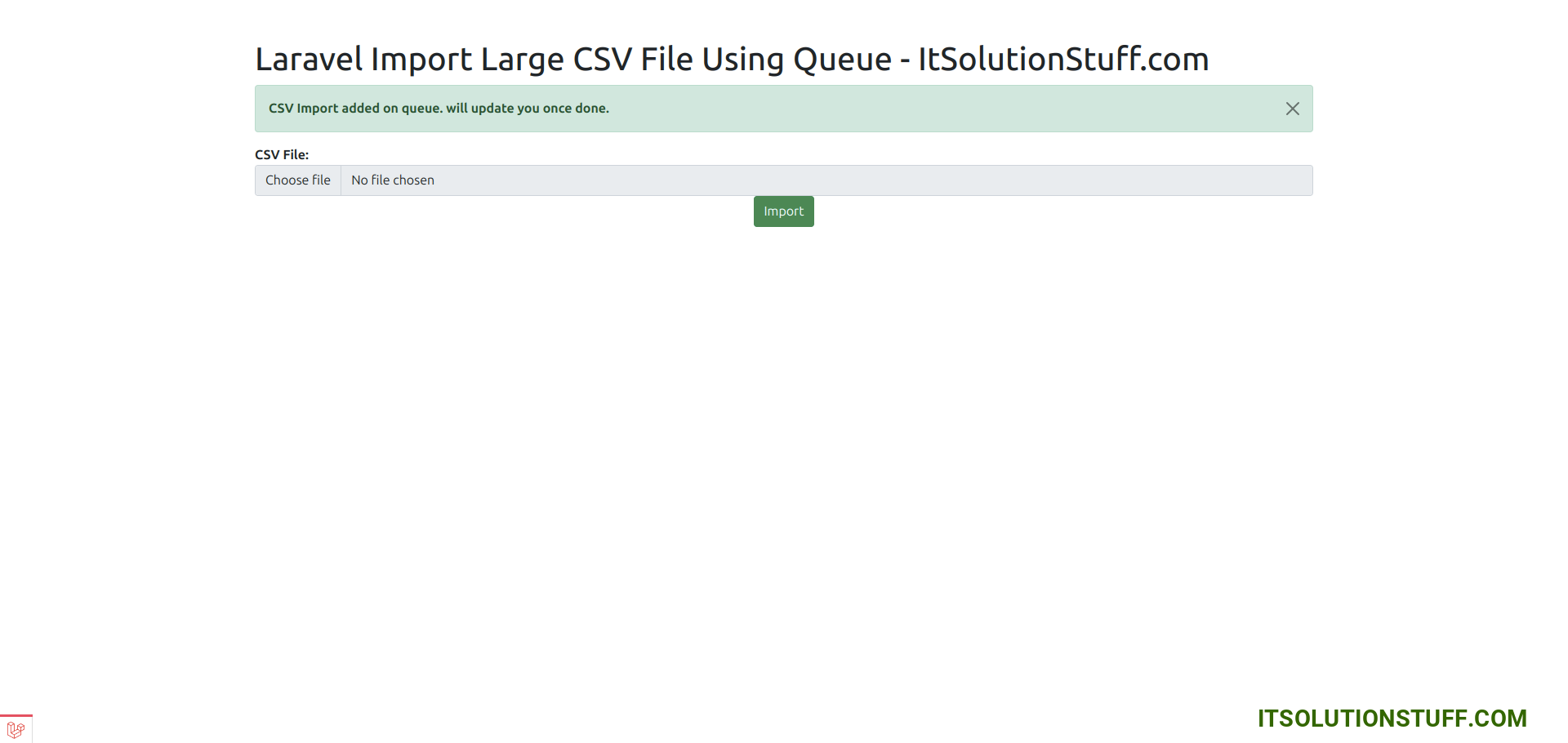
1. The Challenge: Why Large Imports Fail
Imagine a user uploads a CSV file containing 100,000 new product records. If you try to process this in a single web request, your application will almost certainly fail in one of two ways:
- PHP Execution Timeout: Most web servers are configured to terminate scripts that run for too long (e.g.,
max_execution_time = 60seconds). A large import will easily exceed this limit, resulting in a timeout error. - Memory Exhaustion: Loading a huge file into memory can surpass PHP's
memory_limit, causing the script to crash.
You might think, "I'll just put it in a single queued job like we did with emails." While that's a step in the right direction, a single job can still fail for the exact same reasons if the file is large enough. The queue worker process also has its own timeout and memory limits.
The solution is to break the large task into smaller, manageable pieces. Let's explore two powerful ways to achieve this in Laravel.
2. Solution #1: The "Batteries-Included" Way with Laravel Excel
For handling spreadsheet data, the maatwebsite/excel package (commonly known as Laravel Excel) is the industry standard. It provides an elegant, high-level API for both importing and exporting data and has built-in support for queuing and chunking.
Since you're already familiar with Laravel, we'll assume you have the package installed (composer require maatwebsite/excel).
Step 1: Queuing an Entire Import
The simplest way to make an import asynchronous is to have your import class implement the ShouldQueue interface. This is the exact same interface we used in the last lesson for our email job.
Let's see this in action. The following video demonstrates how to create a basic import, add the ShouldQueue interface, and dispatch it so a worker can process it in the background.
#2: Laravel Excel Import to Database with Errors and Validation Handling
This video from QiroLab will show you how to take a standard Laravel Excel import and make it asynchronous.
Watch the segment from 25:42 to 27:38. Pay close attention to how adding the ShouldQueue interface changes the process. You'll see the job being added to the jobs table before being processed by the queue:work command.
By adding implements ShouldQueue to your import class (e.g., UsersImport), you can dispatch it from your controller like this:
// In your controller
public function store(Request $request)
{
    $file = $request->file('your_file');

    // The import is now sent to the queue instead of running immediately
    (new UsersImport)->queue($file);

    return back()->with('status', 'Your import is in progress and you will be notified upon completion.');
}
This is a huge improvement, as the user gets an immediate response. But for truly massive files, we can do even better.
Step 2: Optimizing with Chunking and Batching
Laravel Excel offers two more interfaces that dramatically improve performance and reduce memory usage for large files:
WithChunkReading: This interface tells the package to read the spreadsheet in smaller pieces rather than loading the entire file into memory at once.WithBatchInserts: Instead of running anINSERTquery for every single row, this interface groups rows into "batches" and inserts them with a single query, significantly reducing database load.
Let's watch how to implement these two critical optimizations.
#2: Laravel Excel Import to Database with Errors and Validation Handling
The same video also provides excellent, concise explanations for batch inserts and chunk reading.
First, watch the section on WithBatchInserts from 22:48 to 24:57. Then, watch the section on WithChunkReading from 24:57 to 25:47. Notice how you just need to add the interface and a method specifying the size.
By combining these interfaces, your import class becomes highly efficient:
use Maatwebsite\Excel\Concerns\ToModel;
use Maatwebsite\Excel\Concerns\WithBatchInserts;
use Maatwebsite\Excel\Concerns\WithChunkReading;
use Illuminate\Contracts\Queue\ShouldQueue;

class UsersImport implements ToModel, ShouldQueue, WithChunkReading, WithBatchInserts
{
    // ... (logic for ToModel)

    public function batchSize(): int
    {
        return 500; // Insert 500 records at a time
    }

    public function chunkSize(): int
    {
        return 500; // Read the file in chunks of 500 rows
    }
}
This combination—queuing the job, reading the file in chunks, and batching the database inserts—is a robust and professional way to handle most large data imports in Laravel.
3. Solution #2: The Manual, High-Performance Way with Job Batching
What if you're not dealing with an Excel file, or you need even more granular control? Laravel's built-in Job Batching is the perfect tool. This approach allows you to dispatch a collection of jobs and track their collective progress.
The strategy is:
- Set up Job Batching by creating the
job_batchestable. - In your controller, create an empty batch.
- Read the uploaded file in chunks using a memory-efficient PHP
Generator. - For each chunk of data (e.g., 500 rows), dispatch a separate processing job and add it to the batch.
- Return the batch ID to the client, which can be used to poll for progress.
Let's walk through this powerful technique using an excellent article as our guide.
Laravel API - Import 1 million records with validation in few seconds.
This dev.to article by Aditya Sharma demonstrates a complete, from-scratch implementation of importing a million records using job batching. We'll follow its core logic.
Take about 10 minutes to review these key sections: 'Laravel Queue and Batch Setup': Focus on the php artisan queue:batches-table command. This creates the necessary table for tracking batches. 'import() method': Found in the first code block under 'PageAnalyticsImportService', this is the orchestrator. Understand how it uses Bus::batch([]) to start a batch and chunkAsGenerator to loop through the file. 'Job code': This section shows the AnalyticsImportJob itself. Notice the Batchable trait, and how the handle() method processes just one chunk of data.
Let's summarize the key pieces of code from that article.
1. The Service that Creates the Batch:
This class reads the file and dispatches jobs.
// app/Services/DataImportService.php
class DataImportService
{
    public function import(string $filePath): string
    {
        // 1. Create an empty batch
        $batch = Bus::batch([])->dispatch();

        // 2. Read the file in chunks and add a job for each
        foreach ($this->chunkFile($filePath) as $chunk) {
            $batch->add(new ProcessImportChunkJob($chunk));
        }

        return $batch->id;
    }

    // 3. A Generator to read the file without loading it all into memory
    private function chunkFile(string $filePath): \Generator
    {
        $handle = fopen($filePath, 'r');
        fgetcsv($handle); // Skip header row
        $chunkData = [];

        while (($row = fgetcsv($handle)) !== false) {
            $chunkData[] = $row;
            if (count($chunkData) >= 500) {
                yield $chunkData;
                $chunkData = [];
            }
        }

        if (!empty($chunkData)) {
            yield $chunkData;
        }

        fclose($handle);
    }
}
2. The Job that Processes a Chunk:
This job does the actual work of inserting one chunk of data.
// app/Jobs/ProcessImportChunkJob.php
class ProcessImportChunkJob implements ShouldQueue
{
    // The Batchable trait is essential for the job to be part of a batch
    use Dispatchable, InteractsWithQueue, Queueable, SerializesModels, Batchable;

    public function __construct(public array $chunk) {}

    public function handle(): void
    {
        // Don't process if the batch has been cancelled
        if ($this->batch()->cancelled()) {
            return;
        }

        // Prepare and insert the data for this chunk
        $dataToInsert = [];
        foreach($this->chunk as $row) {
            $dataToInsert[] = [
                'column1' => $row[0],
                'column2' => $row[1],
                'created_at' => now(),
                'updated_at' => now(),
            ];
        }

        DB::table('your_table')->insert($dataToInsert);
    }
}
This manual approach provides maximum control and scalability and perfectly demonstrates the power of the Job Batching feature we previewed in the last lesson.
4. A Critical Optimization: Avoiding N+1 During Imports
Your goal is not just to master Laravel, but also database optimization. A common performance pitfall during data imports is the N+1 query problem.
Imagine each row in your CSV needs to be linked to an existing User record based on an email address. The naive approach would be:
// Inside your import loop for each row
$user = User::where('email', $row['email'])->first(); // One query per row!
Transaction::create([
    'user_id' => $user->id,
    'amount' => $row['amount'],
]);
For 100,000 rows, this would execute 100,000 separate queries to find the user. This is incredibly inefficient.
The optimized solution is to fetch all the necessary users once before the loop begins, and then perform the lookup on the resulting collection in memory. This reduces 100,001 queries to just 2.
Let's watch a clear demonstration of this exact problem and its solution.
Laravel Excel: Import with Relationships
The team at Laravel Daily provides a perfect, concise explanation of how to handle relationships during an import without causing an N+1 query storm.
Watch from 04:28 to 06:35. First, you'll see the inefficient N+1 approach. Then, you'll see the optimized solution where user data is pre-loaded into a collection in the import class's constructor.
By adding a constructor to your import class or job, you can preload the necessary data:
class TransactionsImport implements ToModel
{
    private $users;

    public function __construct()
    {
        // Fetch all users ONCE and key by email for fast lookups.
        $this->users = User::all()->keyBy('email');
    }

    public function model(array $row)
    {
        // Look up the user in the pre-loaded collection. No new query!
        $user = $this->users->get($row['user_email']);

        return new Transaction([
           'user_id' => $user->id ?? null,
           'amount'  => $row['amount'],
        ]);
    }
}
This technique is fundamental for writing high-performance import logic.
Conclusion
You have now learned two robust, production-ready strategies for processing large data imports asynchronously in Laravel. This is a significant step forward from handling simple, self-contained jobs.
Key Takeaways:
- Large imports fail in a single request or job due to timeouts and memory limits. The solution is to break the work into smaller chunks.
- Laravel Excel (
maatwebsite/excel) is the standard for spreadsheet imports. CombineShouldQueue,WithChunkReading, andWithBatchInsertsfor a highly optimized, easy-to-implement solution. - Laravel Job Batching offers a powerful, low-level alternative for any type of large file. It gives you granular control by dispatching a separate, trackable job for each chunk of data.
- Always be mindful of the N+1 query problem when importing data with relationships. Pre-load related data before your import loop to keep database queries to a minimum.
Up Next:
Now that we have powerful methods for getting large amounts of data into our database, the next step is to get it out in a structured, consistent, and secure way. In our next module, we'll shift our focus to API development. Our first lesson will be on how to build API Resource classes to control and standardize your JSON responses, ensuring your application's data is presented perfectly to any frontend or third-party consumer.