
Hello again. Last lesson created the first half of a reliable school system: your master task list—one place for current homework, assignments, tests, and deadlines. This lesson turns that list into a plan for the week, so you are not deciding from scratch every afternoon what to do.
The goal is not to fill every spare minute or create a perfect-looking timetable. It is to make a short, realistic plan that answers three questions:
- What matters most this week?
- When will I work on it?
- What is my first planned study block?
By the end, you will be able to run a weekly planning routine in about 15–25 minutes.
Your master list and weekly planner have different jobs
Keep using the master list from the previous lesson. It holds the full picture: everything that exists, including tasks due later.
Your weekly planner is different. It is a decision-making tool for the next seven days. It shows:
- fixed commitments, such as school, sport, family events, and appointments;
- a small number of schoolwork blocks that fit around those commitments;
- time left blank for rest, surprises, and tasks that take longer than expected.
Think of it this way:
| Tool | Main question it answers |
|---|---|
| Master task list | “What schoolwork do I have?” |
| Weekly planner | “When am I realistically going to work on the important parts?” |
A due date is not automatically a plan. “English speech due Friday” tells you when work must be finished. “Tuesday after dinner: choose evidence for speech, 30 minutes” tells you when you will begin.
The Learning Center’s guide gives a sensible weekly sequence: first look ahead, then mark commitments, and finally place school tasks into genuine open time.
Calendars and College – The Learning Center
Read the University of North Carolina Learning Center’s weekly-planning guidance for a practical overview of mapping commitments, allocating work, and keeping a plan realistic. The examples are written for university students, but the method works well for school when the study blocks are shorter.
Under “Weekly planning,” read the weekly routine. Focus on the order: regular planning time, fixed commitments first, then tasks in open slots. Then, under “Tips to make your weekly planning work,” read the realism tips. Notice the advice about smaller segments, breaks, balance, and adjusting rather than abandoning a disrupted plan.
Step 1: Choose a regular planning moment
A weekly plan works best when it happens at roughly the same time each week. Pick a time when you can see your school information and are not rushing—for example:
- Sunday afternoon or evening;
- Friday after school;
- Monday morning before school, if weekends are busy.
Set aside 15–25 minutes. Put a repeating reminder on your phone if that helps. You are building a routine, not waiting until you feel especially organised.
At your planning time, open:
- your master task list;
- your school platform or diary, in case anything needs updating;
- your weekly planner—paper, calendar app, or a page drawn in a notebook.
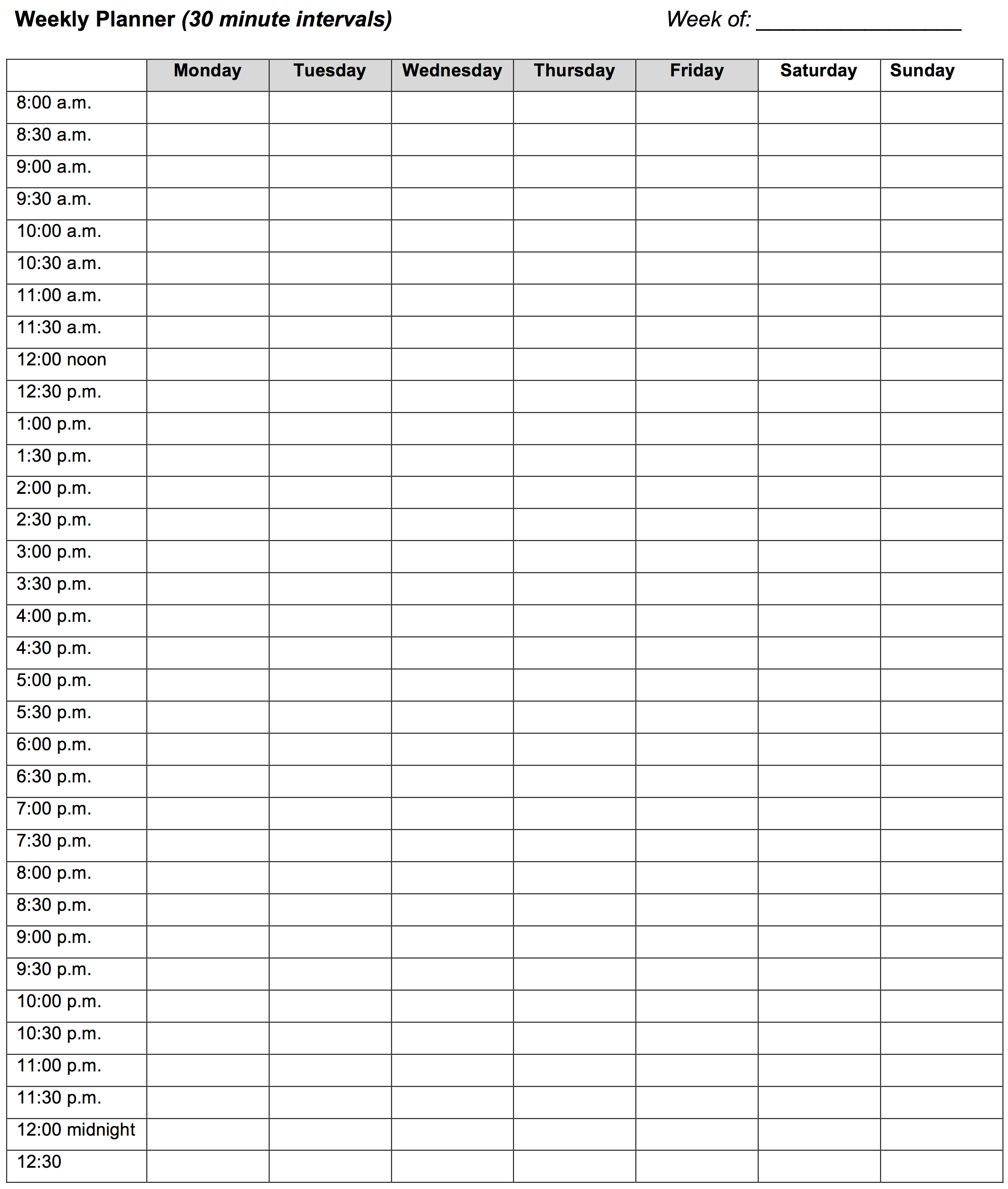
This 30-minute weekly planner is one option. You do not need to fill every row; its 30-minute spaces simply make it easier to see whether a plan actually fits.
Before planning, spend two minutes updating the master list:
- add any new homework, tests, or deadlines;
- cross out or mark genuinely completed work;
- check dates, especially work due this week;
- turn unclear information into a follow-up task, such as “Ask Science teacher test date.”
Step 2: Put fixed commitments on the planner first
A common planning mistake is to begin by filling the week with homework, then discover there was no actual time available. Start with the parts of life that are already booked.
Mark only the commitments that affect your available time:
- school and travel;
- sport, clubs, music, or cultural activities;
- appointments and family commitments;
- meals and regular chores;
- a sensible stopping time at night.
You do not have to draw every tiny detail of your day. The point is to see your real study windows.
For example, if netball is from 4:00 to 5:30 on Wednesday and dinner is at 6:30, you might not have the energy or time for a long study session that evening. A plan that ignores this is not ambitious; it is inaccurate.
Aim for a plan that respects sleep and free time. Schoolwork matters, but a timetable with no breaks often collapses after one busy day.
Step 3: Decide what is a must, should, or could
Now look at your master list and sort only the tasks that might need attention this week. This stops every task from feeling equally urgent.
The three categories are useful because they force you to make a decision rather than merely copy tasks across.
Priorities Worksheet: Must do, Should do, Could do – The Learning Center
Use this short worksheet from the University of North Carolina Learning Center to see the three priority categories. Its most important reminder is that larger projects should be listed as smaller pieces of work, rather than as one intimidating item.
On the worksheet page, read the instructions immediately above the “Must do / Should do / Could do” columns. Read the prioritising instructions, focusing on how due dates, difficulty, and estimated time affect priority.
Use the categories like this:
| Priority | Meaning this week | Examples |
|---|---|---|
| Must do | It has a deadline, is overdue, is needed for an upcoming test, or affects someone else. | Finish maths worksheet due tomorrow; write speech outline due Friday; revise cells before Friday’s Science test. |
| Should do | It is important preparation that will make a future deadline less stressful. | Find sources for a Social Studies project due next week; review a difficult maths topic. |
| Could do | It would be useful if there is time, but there is no serious problem if it moves. | Extra extension questions; optional decorating or polishing; extra revision after the main work is done. |
A task with an unclear deadline can become a must-do action:
“Check Google Classroom for English due date — 5 minutes.”
Do not label a whole large assignment as one priority
If your master list says:
English speech — due Friday
that task is too large to put straight into a 30-minute planner block. For this week, choose the pieces that matter:
- choose your main message and audience;
- find two pieces of evidence;
- write an opening;
- practise the first minute aloud.
The next module will go further into breaking tasks into concrete actions. For now, the key rule is simple: your planner should contain work you can genuinely begin and make progress on in one block.
Step 4: Turn priorities into realistic study blocks
A study block is a reserved piece of time for one named task. Since you are using 30-minute lessons and may be tired after school, start with one 30-minute block on most school days. On a weekend, you might manage one or two blocks, separated by a break.
You do not need to schedule three hours of study after a full day at school. A plan that you follow most weeks is more useful than an impressive plan you avoid.
Make each block specific
Compare these planner entries:
| Too vague | Ready to do |
|---|---|
| Study Science | Make and answer 10 cell questions |
| English assignment | Choose evidence for speech |
| Maths | Complete questions 1–8 on algebra worksheet |
| Social Studies project | Find two reliable sources and save links |
Specific blocks reduce the moment of sitting down and wondering, “What am I supposed to start with?”
Use anchors when exact times are hard
Sometimes an exact time is useful:
Tuesday, 4:30–5:00: Maths worksheet questions 1–8
But if your afternoons change a lot, connect the block to something that already happens:
After dinner: 30 minutes to choose evidence for English speech.
Useful anchors include:
- after arriving home and having a snack;
- after dinner;
- after sport;
- before gaming, videos, or another usual evening activity;
- Saturday morning after breakfast.
The important part is to decide the task before the day arrives.
Plan less than all of your free time
Leave some blocks blank. They are not wasted time; they are your buffer for:
- a task taking longer than expected;
- unexpected homework;
- a busy or tiring day;
- moving an unfinished task without wrecking the whole plan.
A practical starting rule is to schedule the must-do work first, then only add should-do work if there is room. Could-do tasks stay on the master list until you genuinely have spare time.
A worked example
Imagine this master list on Sunday evening:
| Task | Due date | Size |
|---|---|---|
| Maths: algebra worksheet | Tuesday | Small |
| English: speech outline | Friday | Medium |
| Science: cells quiz | Friday | Medium |
| Art: bring materials | Tuesday | Small |
| Social Studies: research project | Next Wednesday | Large |
After checking the week, the student notices netball on Wednesday and a family event on Friday. Their priorities become:
- Must: bring Art materials; finish Maths worksheet; complete English outline; revise for Science quiz.
- Should: make a start on Social Studies research.
- Could: extra algebra revision.
A realistic weekly plan might look like this:
| Day | Planned action |
|---|---|
| Monday after snack | 30 min: Maths worksheet, questions 1–8 |
| Tuesday after dinner | 30 min: English speech—choose main message and two pieces of evidence |
| Wednesday | Netball; no planned school block |
| Thursday after dinner | 30 min: English speech—write outline and opening |
| Friday | Family event; leave blank |
| Saturday morning | 30 min: Science—make 10 cells retrieval questions; break; 30 min: answer questions without notes |
| Sunday afternoon | 30 min: Social Studies—find and save two sources; then weekly planning for next week |
Notice what this plan does not do:
- It does not pretend Wednesday and Friday are available.
- It does not schedule every subject every day.
- It does not say “finish Social Studies project” in one session.
- It leaves space to move work if needed.
The plan makes the coming week visible and gives each important task a starting point.
Complete your own weekly planning routine
Set aside about 15–20 minutes now. Use the blank weekly planner, a calendar app, or a notebook page. Work through this routine in order:
- Update your master task list. Add new work and check due dates.
- Mark commitments. School, travel, activities, meals, appointments, and a sensible evening stopping time.
- Write this week’s must-do tasks. Include overdue work, near deadlines, and test preparation.
- Add should-do tasks. Choose preparation that will reduce pressure next week.
- Leave could-do tasks off the timetable for now. They can remain on your master list.
- Choose specific actions for the must-do tasks. If one action seems too large for 30 minutes, name only its first useful part.
- Place the actions in real open slots. Start with one block on a school day and one or two blocks on a less busy weekend day.
- Leave at least one buffer block blank.
- Circle your first planned block. This is the only block you need to worry about starting first.
Before you finish, check each planned block with this quick test:
- Can I point to an actual time or anchor for it?
- Does it name a real action, not just a subject?
- Is it short enough to start?
- Does it fit around sleep, meals, commitments, and some free time?
- If it does not happen, is there a blank buffer block where it could move?
If the answer is no, simplify the plan rather than trying to force yourself to be more motivated.
Use the plan during the week, not only on Sunday
A weekly planner is allowed to change. If you miss a block, do not mark the whole week as failed. Use this short reset:
- Look for the next blank buffer block.
- Move the unfinished task there.
- If there is no room, decide what becomes a should-do or could-do task.
- If a must-do task cannot fit, ask for help early—from a teacher, caregiver, or classmate—rather than waiting until the deadline.
Spend one minute each afternoon or evening looking at the next day. You are only checking:
“What is my next school action, and when will I start it?”
That small daily glance keeps the weekly plan connected to real life.
Key takeaways
A weekly plan turns your master list into a realistic set of decisions. Run the routine at the same time each week: update the list, mark fixed commitments, choose must/should/could priorities, and assign short, specific schoolwork actions to genuine open time.
Plan modestly—especially on school days—and protect buffer time, rest, and sleep. If the week changes, move tasks and revise the plan; do not abandon it.
Next lesson, you will take one school task and break it into concrete 10–25 minute actions, making the first step even easier to start.
Can't find a good explanation? Sign up and we'll make it for you
Sign up